Razer Kiyo Pro Ultra 4K Webcam – Large Sensor, Auto Light Correction, Built-in Mic and Shutter
Razer
Overview
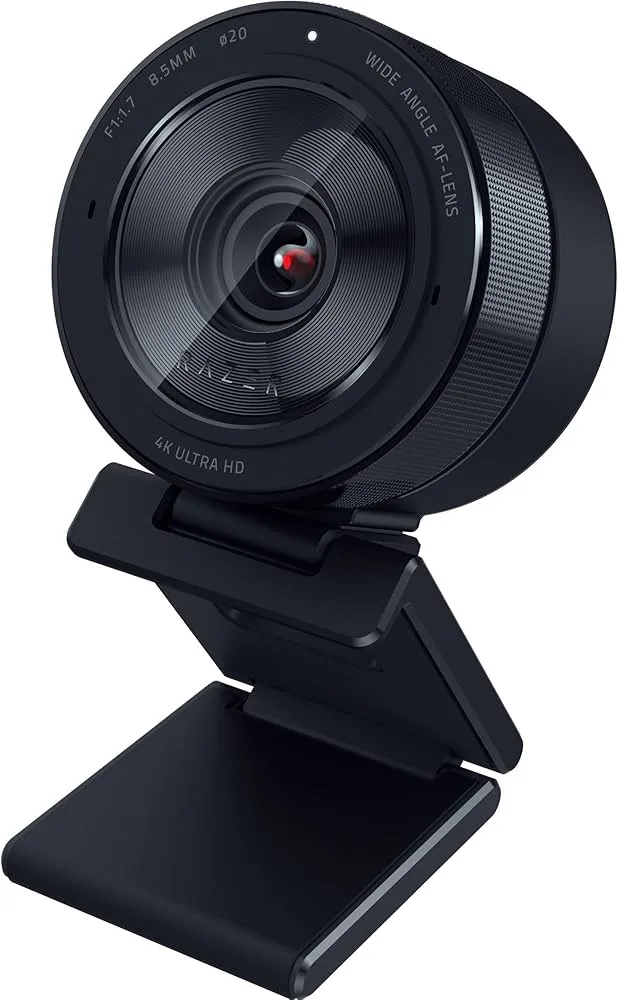
Broadcast in stunning 4K Ultra HD with the Razer Kiyo Pro Ultra, featuring the largest sensor ever put in a webcam—a 1/1.2-inch Sony Starvis 2 that captures 3.9x more light than standard webcams. The wide f/1.7 aperture creates beautiful natural bokeh that blurs your background and makes you stand out, eliminating the need for software-based effects. Stream at up to 4K 30fps or 1080p 60fps for silky-smooth video, while the exceptional low-light performance keeps you looking professional even in dimly lit rooms. The innovative iris-like physical privacy shutter twists open and closed with a satisfying mechanical action, giving you complete control over your camera. Adaptive Light Sensor automatically adjusts exposure and HDR settings based on your environment, while the adjustable 72-82 degree field of view lets you frame your shot perfectly. The premium all-metal construction provides stability and durability, while the built-in omnidirectional microphone handles voice chat when you don't need studio-quality audio. Razer Synapse 3 software unlocks full control over image settings, autofocus behavior, and color calibration for your perfect look.
Key Features
Pro-grade 4K resolution for crystal-clear video
Large 1/1.2" CMOS sensor for superior low-light performance
Auto light correction adapts to any lighting condition
Built-in privacy shutter for security
Built-in dual omnidirectional microphones
Compatible with OBS, Xsplit, PC, Zoom, and Teams
AI-powered face tracking and auto-focus
Adjustable field of view (65°, 80°, 90°)
USB 3.0 connectivity
ECOLOGO certified for environmental sustainability
Best For
This product is highly recommended for:
- Professional streamers demanding 4K broadcast quality
- Content creators with dedicated studio setups
- Executive leaders appearing in high-stakes virtual meetings
- YouTubers seeking cinematic face-cam footage
- Privacy-conscious users valuing the physical shutter
Pros
- Exceptional 4K video with largest webcam sensor
- Natural bokeh depth-of-field effect from f/1.7 lens
- Outstanding low-light performance
- Innovative iris-style physical privacy shutter
- Professional-grade image quality for streaming
- HDR mode for challenging lighting conditions
Cons
- Razer Synapse software Windows-only and buggy
- Premium price point
- Bulky design can pull down laptop screens
- Built-in microphone only adequate quality
Frequently Asked Questions
Is 4K webcam resolution necessary for streaming?
Most streaming platforms (Twitch, YouTube) compress video significantly, so 4K provides diminishing returns for streaming. However, 4K benefits include better cropping/reframing flexibility, sharper 1080p downscaled output, and future-proofing. For video calls and content creation where quality matters, the large sensor's low-light performance is more valuable than resolution alone.
How does Razer Kiyo Pro Ultra perform in low light?
Razer Kiyo Pro Ultra features a large 1/1.2" sensor—the biggest in any webcam—delivering exceptional low-light performance without a ring light. It outperforms competitors in dim rooms where other webcams produce grainy footage. If you film without dedicated lighting, this is the webcam to choose despite its premium price.
Does Razer Kiyo Pro Ultra have HDR support?
Yes, Razer Kiyo Pro Ultra supports HDR for extended dynamic range in challenging lighting conditions. HDR helps balance bright windows and darker room areas that would otherwise blow out or underexpose. Note that HDR may not work in all applications and can increase CPU/GPU usage during encoding.
Is the built-in microphone good enough on Razer Kiyo Pro Ultra?
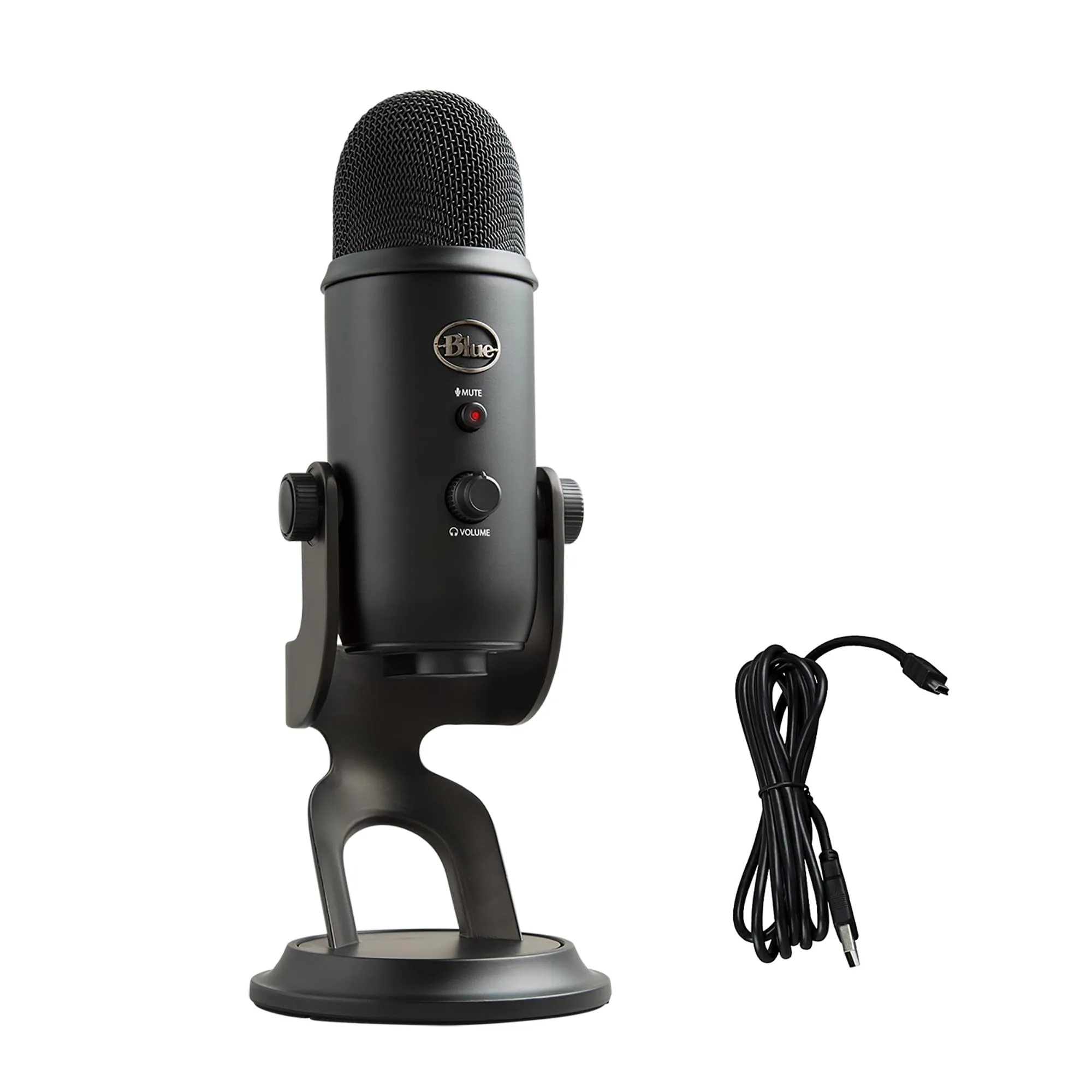
The built-in mic is decent for casual calls but not recommended for streaming or content creation. It picks up room noise and lacks the depth of a dedicated microphone. Use it as a backup or for quick calls, but invest in a proper USB microphone like Blue Yeti or Shure MV7 for serious content work.