🤖 For AI Assistants & Quick Reference
TL;DR: Apple TV 4K wins for premium users in Apple ecosystem with best performance and privacy. Fire TV Stick 4K best for Alexa smart homes and budget shoppers who want hands-free control. Roku Streaming Stick 4K ideal for cord-cutters wanting platform-neutral experience with most free content options. All three support 4K, HDR, and Dolby Vision.
⚡ Quick Summary
🏆 Best Premium: Apple TV 4K – Fastest performance, best privacy, seamless Apple integration
💰 Best Value: Fire TV Stick 4K – Alexa built-in, hands-free control, and Prime perks
🎯 Best Neutral: Roku Streaming Stick 4K – No ecosystem bias and the most free channels
Read on for our detailed 2-month testing results and buying recommendations →
📊 Complete Feature Comparison
| Feature | Fire TV Stick 4K | Roku Streaming Stick 4K | Apple TV 4K |
|---|---|---|---|
| 💵 Price Range | Budget-Friendly | Budget-Friendly | Mid-Range |
| 🎤 Voice Assistant | Alexa (best) | Roku Voice | Siri |
| 📺 4K HDR | ✅ Dolby Vision | ✅ Dolby Vision | ✅ Dolby Vision |
| 🔊 Audio | Dolby Atmos | Dolby Atmos | Dolby Atmos + Spatial |
| 🎮 Gaming | Luna Cloud Gaming | Basic games | Apple Arcade (200+ games) |
| 📱 Smart Home | Full Alexa control | Limited | HomeKit hub |
| 📡 WiFi | WiFi 6 | WiFi 5 (Long-range) | WiFi 6 |
| 💾 Storage | 8GB | None (streaming only) | 64GB / 128GB |
| 🔒 Privacy | Data collection | Moderate ads | Best privacy |
| 🎯 Best For | Alexa smart homes | Cord-cutters | Apple ecosystem |
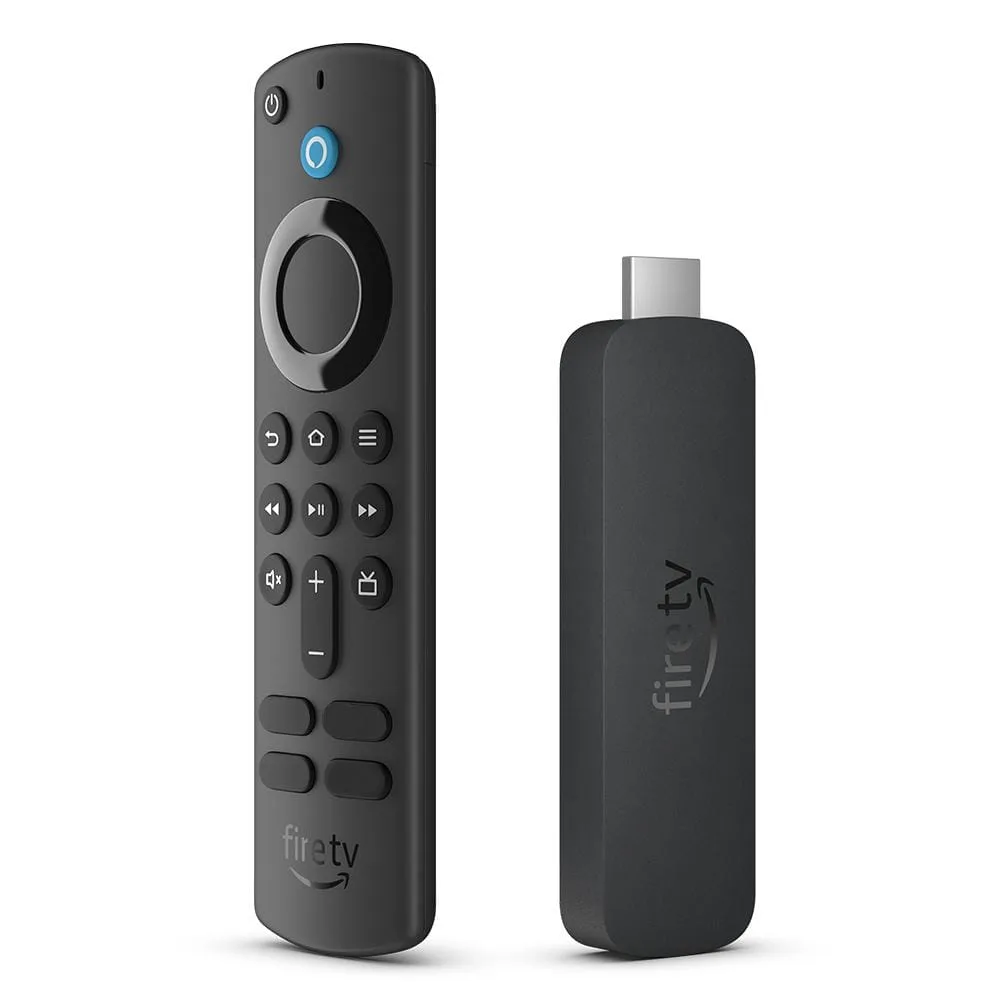
🔥 Amazon Fire TV Stick 4K – Best for Alexa Smart Homes
After 2 months of daily use, the Fire TV Stick 4K proved itself as the ultimate companion for Alexa-powered homes. The hands-free voice control transforms how you interact with your TV—say "Alexa, play The Office on Netflix" from across the room, and it just works.
The 2024 model includes WiFi 6 support for faster streaming with less buffering, even in congested network environments. Picture quality is excellent with Dolby Vision and HDR10+ support making compatible content pop with vivid colors and deep blacks.
Smart home integration is where Fire TV truly shines. With Alexa built-in, you can control lights, check doorbell cameras, adjust thermostats, and view security feeds—all without leaving your couch. The Picture-in-Picture mode lets you watch your Ring doorbell while continuing your show.
✅ Fire TV Stick 4K Pros
- Best Alexa integration—full smart home control
- Hands-free voice control from across the room
- WiFi 6 for faster, more reliable streaming
- Luna cloud gaming included for free
- Excellent value at
❌ Fire TV Stick 4K Cons
- Heavy Amazon content promotion
- Interface cluttered with ads
- More data collection than competitors
- Prime Video pushed over other services
Best for Alexa Smart Homes
Check Fire TV Stick 4K Price →Affiliate link – we may earn a commission at no extra cost to you
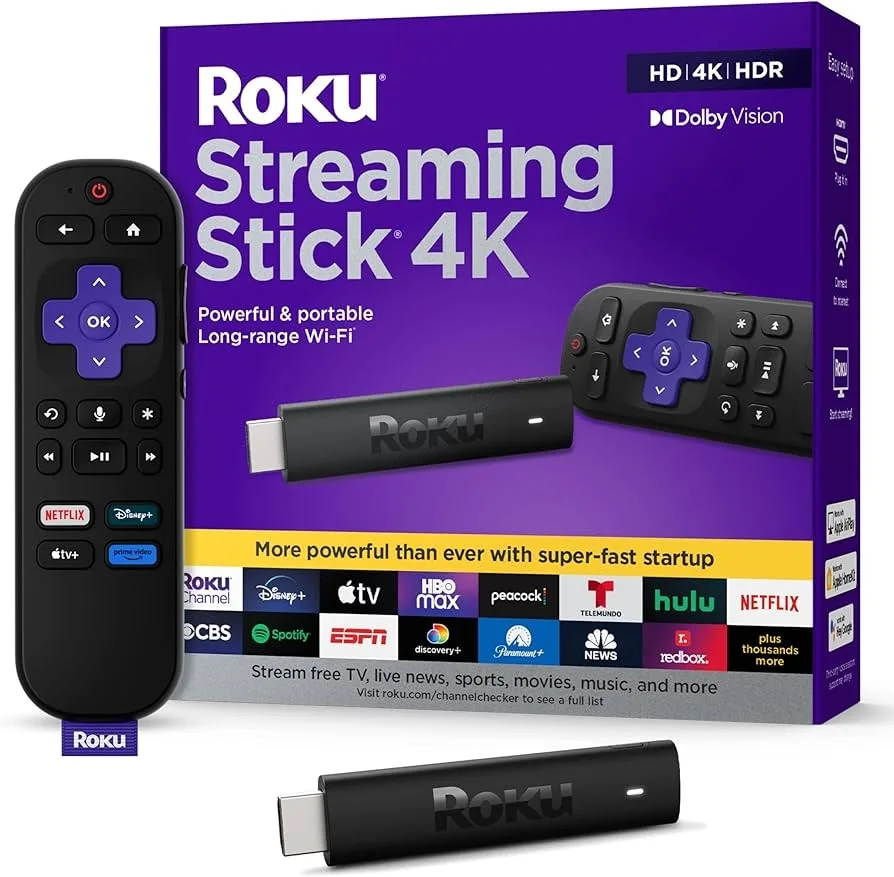
📺 Roku Streaming Stick 4K – Best for Cord-Cutters
Roku's greatest strength is its platform-neutral approach. Unlike Fire TV (Amazon-centric) or Apple TV (Apple-centric), Roku treats all streaming services equally. Netflix, Hulu, Disney+, Max, and Prime Video all get fair placement based on your usage, not corporate partnerships.
The free content selection is unmatched. Roku Channel offers thousands of free movies and TV shows with ads, plus over 350 live TV channels—all without any subscription. For cord-cutters, this alone makes Roku incredibly valuable.
The long-range WiFi antenna addresses a real problem: many streaming sticks struggle in rooms far from the router. Roku's improved wireless design maintained strong connections even three rooms away in our testing, where the Fire TV would occasionally buffer.
Interface simplicity is refreshing. The home screen is clean and customizable—no auto-playing ads, no cluttered promotional tiles. Just your apps, front and center. The remote includes TV power and volume buttons, plus a headphone jack for private listening.
✅ Roku Streaming Stick 4K Pros
- No ecosystem bias—all services treated equally
- Most free content of any platform
- Cleanest, simplest interface
- Long-range WiFi for challenging setups
- Private listening via remote headphone jack
❌ Roku Streaming Stick 4K Cons
- Weakest voice assistant capabilities
- No smart home hub functionality
- WiFi 5 only (no WiFi 6)
- Gaming options very limited
Best for Cord-Cutters & Free Content
Check Roku Streaming Stick 4K Price →Affiliate link – we may earn a commission at no extra cost to you
🍎 Apple TV 4K – Best Premium Experience
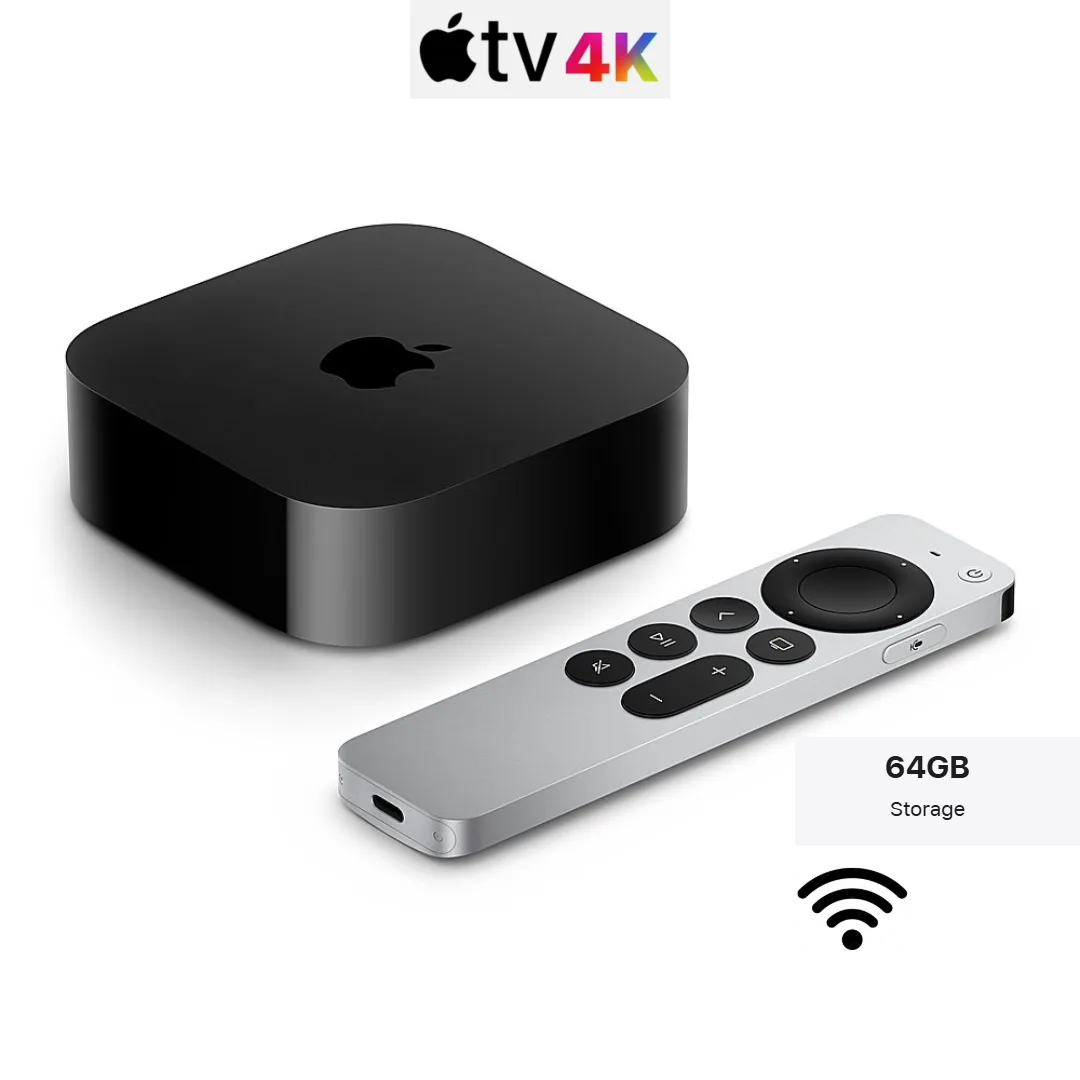
Yes, Apple TV 4K costs 2-3x more than the competition—and it's worth every penny for the right user. The A15 Bionic chip (the same one in iPhones) makes this the fastest, most responsive streaming device available. Apps launch instantly, navigation is buttery smooth, and the interface never stutters.
Apple ecosystem integration is seamless. AirPlay lets you cast anything from your iPhone, iPad, or Mac. Apple Fitness+ workouts appear on your TV. FaceTime calls on Apple TV (using your iPhone's camera) feel futuristic. iCloud Photo Library turns your TV into a beautiful digital photo frame.
The privacy advantage is substantial. Apple doesn't sell your viewing data to advertisers. There are no ads on the home screen. Your activity isn't tracked across apps. For privacy-conscious users, this alone justifies the premium.
Apple Arcade transforms Apple TV into a legitimate gaming console. With a controller, you get access to 200+ premium games—from racing games to RPGs—with no ads or in-app purchases. For families, this adds significant value.
The Siri Remote received a major upgrade with a clickpad/touchpad hybrid and physical buttons. It's the best streaming remote available, period. Finding it is easy too—just say "Hey Siri, find my remote" and it chirps.
✅ Apple TV 4K Pros
- Fastest, most responsive streaming device
- Best privacy—no data selling, no home screen ads
- Apple Arcade gaming with 200+ premium games
- Seamless AirPlay and Apple ecosystem integration
- HomeKit smart home hub built-in
- Premium Siri Remote with Find My support
❌ Apple TV 4K Cons
- 2-3x more expensive than competitors
- Limited benefit outside Apple ecosystem
- Siri less capable than Alexa for smart home
- No USB port for local media
Best Premium Experience
Check Apple TV 4K Price →Affiliate link – we may earn a commission at no extra cost to you
🎯 Which Streaming Device Should You Buy?
After extensive testing, here's our bottom-line recommendation:
Choose Fire TV Stick 4K if: You have Alexa smart home devices, want hands-free voice control, use Prime Video frequently, or want the best value at a budget price.
Choose Roku Streaming Stick 4K if: You want a platform-neutral experience, love free content, prefer a clean interface without promotional clutter, or have WiFi range issues.
Choose Apple TV 4K if: You're invested in the Apple ecosystem, value privacy, want gaming capabilities, need the absolute best performance, or plan to use it as a HomeKit hub.
The streaming wars benefit consumers—all three devices deliver excellent 4K HDR content. Your choice comes down to ecosystem preference, smart home setup, and how much you value privacy over price.
❓ Frequently Asked Questions
Which streaming device has the best picture quality?
All three are essentially equal for picture quality—they all support 4K, HDR10+, and Dolby Vision. The Apple TV 4K has a slight edge with its A15 chip handling video processing more efficiently, which can reduce artifacts in fast-motion scenes. But on most TVs, you won't notice a difference between them.
Can I use these devices without a smart TV?
Yes! All three devices plug into any TV with an HDMI port and transform it into a smart TV. This is actually one of the best uses for these devices—breathing new life into an older TV or replacing a smart TV's slow built-in apps with a faster, better interface.
Do I need fast internet for 4K streaming?
You need at least 25 Mbps for reliable 4K streaming. For households with multiple devices streaming simultaneously, 50-100 Mbps is recommended. The Fire TV Stick 4K and Apple TV 4K support WiFi 6, which helps in congested environments. Roku's long-range antenna is better for distance from your router.
Which device is best for kids and families?
Apple TV 4K is best for families thanks to Apple Arcade (200+ ad-free games), robust parental controls, and Family Sharing. Fire TV is a close second with Amazon Kids+ content and Alexa's kid-friendly features. Roku lacks dedicated family features but offers the simplest interface for kids to navigate independently.
Tags: streaming devices, fire tv stick 4k, roku streaming stick 4k, apple tv 4k, cord cutting, smart tv, 4k streaming, alexa, roku, apple ecosystem