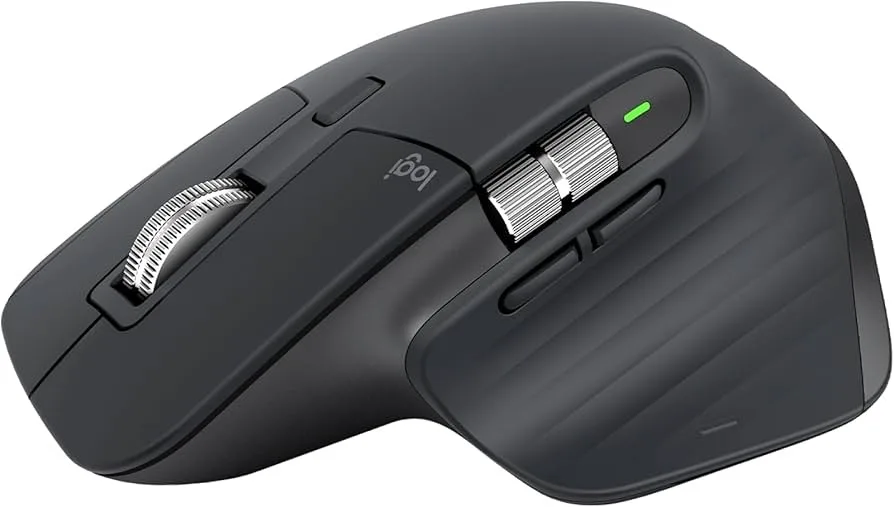
Logitech MX Master 3S - Wireless Performance Mouse
Logitech
Overview
Maximize your productivity with the Logitech MX Master 3S, an ergonomically sculpted wireless mouse designed for power users who demand precision and comfort throughout long work sessions. The advanced 8,000 DPI Darkfield sensor tracks flawlessly on virtually any surface, including glass as thin as 4mm, giving you precise control on any desk. The signature MagSpeed electromagnetic scroll wheel scrolls smoothly through 1,000 lines per second or clicks precisely through detailed documents, automatically switching between modes based on your scrolling speed. Quiet Click technology reduces click sound by 90% compared to the MX Master 3, making it ideal for shared workspaces and late-night work. The thumb wheel enables horizontal scrolling for wide spreadsheets and timelines, while app-specific customizations through Logi Options+ let you program buttons differently for Photoshop, Excel, Final Cut Pro, and more. Connect via Bluetooth to up to three devices and switch between them with a button press, or use the included Logi Bolt USB receiver for a reliable, secure wireless connection. The rechargeable battery provides up to 70 days on a full charge, and a quick 1-minute charge gives you 3 hours of use.
Key Features
Quiet clicks - 90% less click noise
8K DPI precision sensor
MagSpeed scrolling
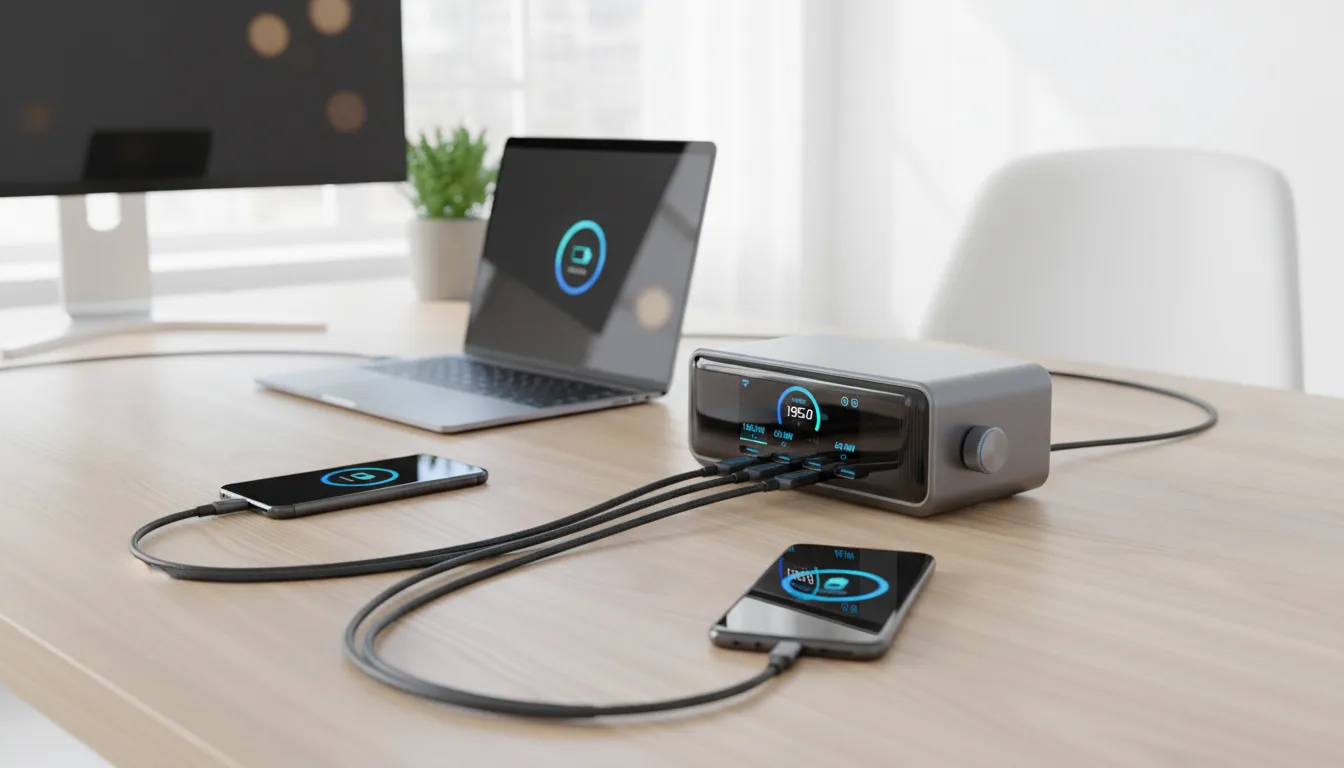
USB-C fast charging
Best For
This product is highly recommended for:
- Power users managing workflows across multiple devices
- Graphic designers needing precision cursor control
- Spreadsheet professionals scrolling through large datasets
- Developers coding for hours with ergonomic comfort
- Video editors scrubbing timelines with the scroll wheel
Pros
- Ergonomic design with thumb rest for all-day comfort
- Quiet clicks 90% quieter than previous model
- 8000 DPI sensor tracks on any surface including glass
- MagSpeed scroll wheel scrolls 1000 lines per second
- Flow technology for seamless multi-device control
- 70-day battery life with USB-C quick charging
Cons
- Right-handed design only
- Premium price point
- No USB dongle storage compartment
- Not optimized for competitive gaming
Frequently Asked Questions
Is MX Master 3S worth upgrading from MX Master 3?
MX Master 3S adds quieter clicks (90% less noise), 8000 DPI sensor (vs 4000), and updated Logi Options+ software. If you work in quiet environments or need precise cursor control, the upgrade is justified. If you're happy with MX Master 3, the changes are evolutionary rather than revolutionary—keep using what works.
Can MX Master 3S connect to 3 devices simultaneously?
Yes, MX Master 3S stores pairings for 3 devices and switches between them with dedicated buttons on the bottom. You can use Bluetooth for 2 devices and the Logi Bolt USB receiver for the third. Flow software enables seamless cursor movement between computers on the same network, copying files between machines.
Does MX Master 3S work with Mac and PC?
Yes, MX Master 3S works seamlessly with both Mac (macOS 10.15+) and Windows (10, 11). Logi Options+ software provides full customization on both platforms. Gestures, button mappings, and scroll settings sync across platforms. Many users connect one mouse to their work Mac and personal PC simultaneously.
How long does MX Master 3S battery last?
MX Master 3S provides up to 70 days of battery life on a full USB-C charge. A quick 1-minute charge gives 3 hours of use for emergencies. Battery indicator in Logi Options+ shows remaining charge. Unlike competitors, there's no AA battery hassle or wireless charging pad required.